Modern Digital Identity (8 posts)
How I Switched to Passkeys
It’s 2025 and the Shai-hulud supply chain attacks are rolling over the npm ecosystem. It’s a wake-up call. The worm exposes how poorly many developers handle security. I too work with npm on a daily basis. I too use insecure practices all over my digital life. I’ve been thinking about improving matters since a while. Shai-Hulud was the last thing it needed to finally get me to take action.
What are Passkeys?
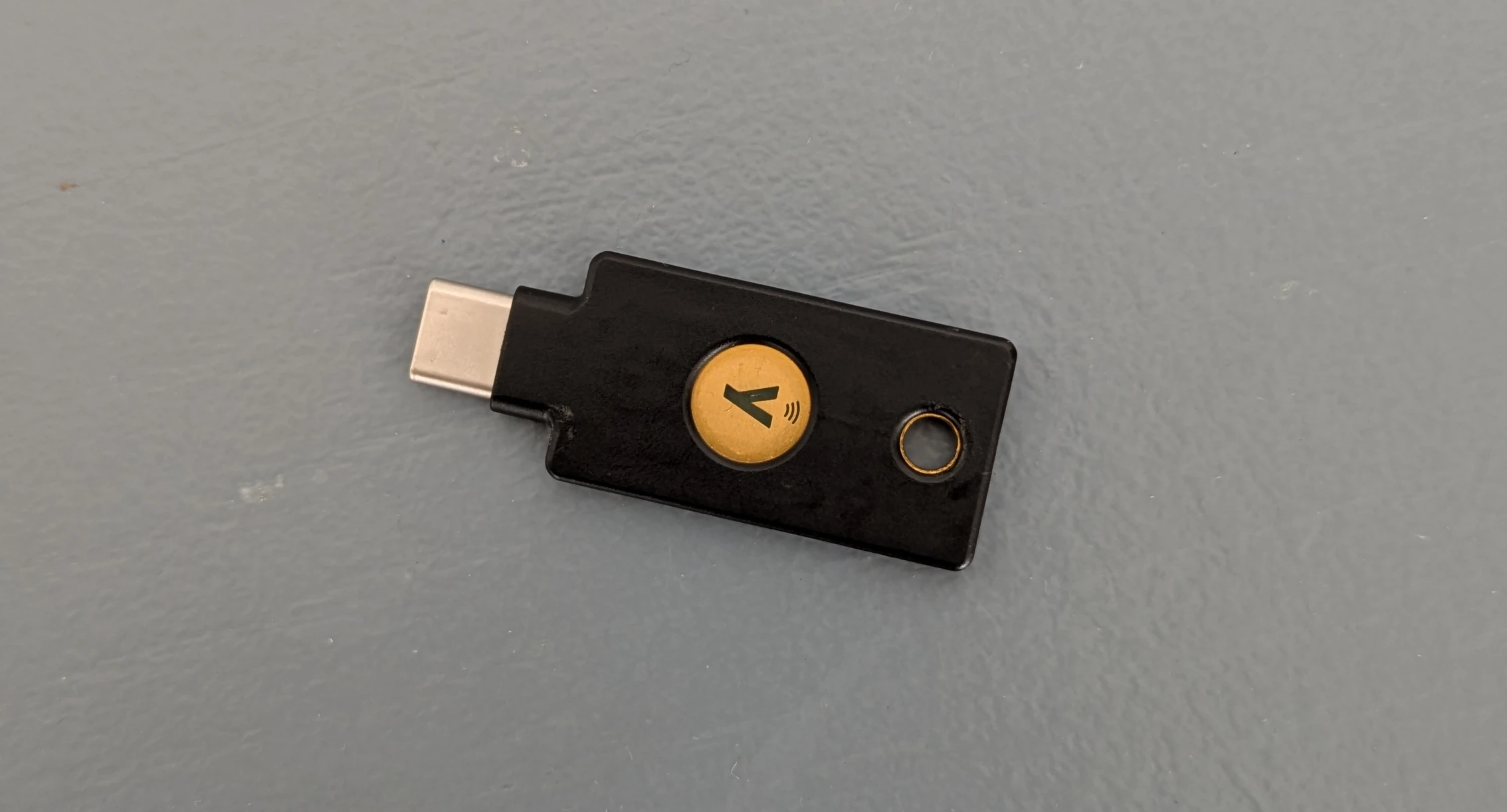
Passkeys are hardware security tokens that follow the FIDO2 / Webauthn standard. The come in the form of tiny USB-sticks with a button.
How I'm using Password Managers

Passwords are hard. Yet, they are the one authentication mechanism supported by every service we’re using. Sometimes even the only one. Since they are so difficult to avoid, we need a strategy to cope with them. Let me show you mine.
The ideal password
The ideal password fulfills the following criteria:
- It’s used only for one account.
- It’s random and long enough to make brute-forcing impossible.
- It’s not stored unencrypted in a file.
So we have to create a long, random password for each website and remember it. That’s impossible.
How I Do Backups
Things will go wrong. And if we don’t come prepared, we’re going to lose data. Which can be anything from annoying to catastrophic. Let me show you how I keep my data secure. Let me show you how I do backups.
Basics
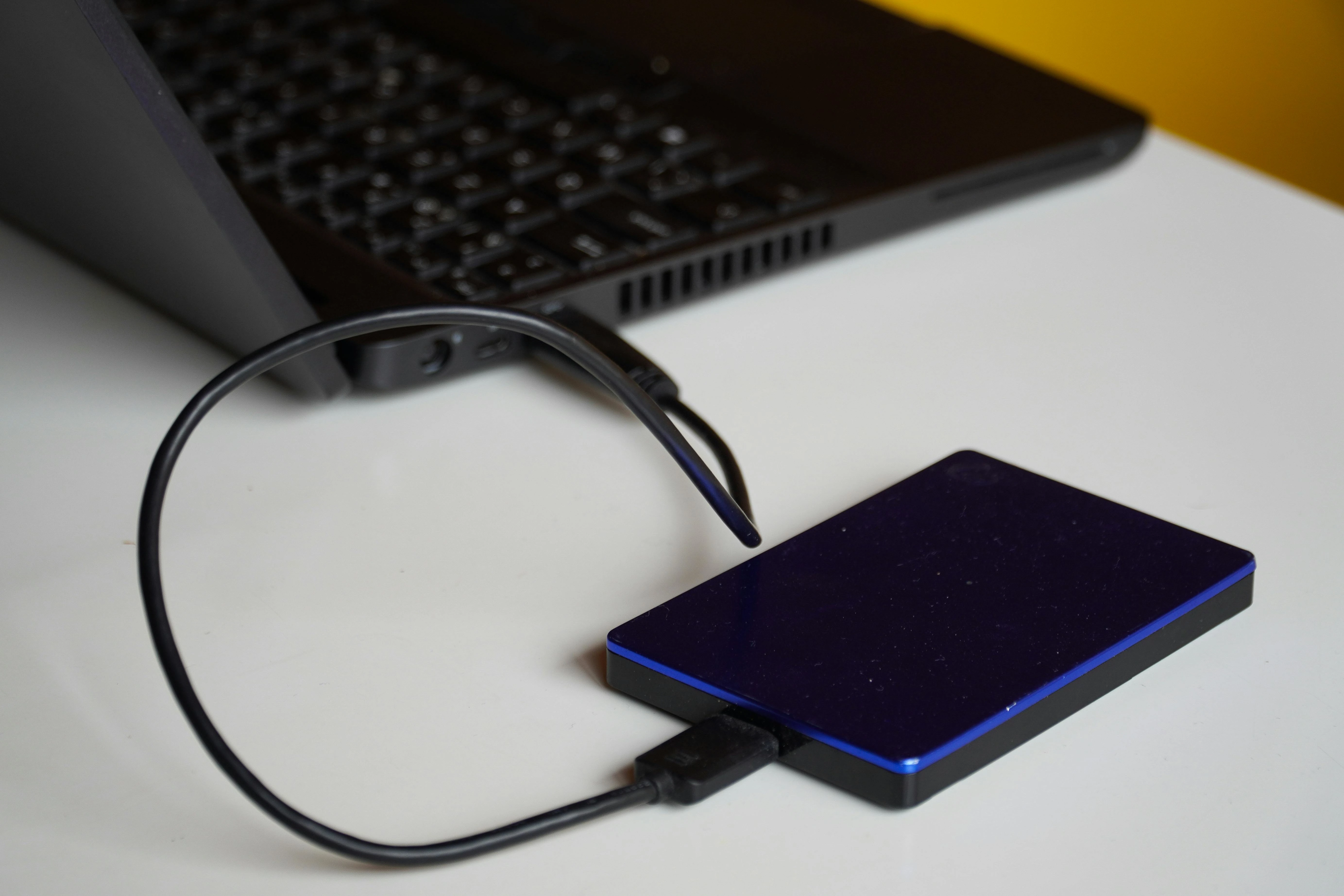
Backups can and should be simple. You periodically copy all your data onto a USB drive and call it a day. This setup does the trick for most people. I’d recommend it any day over not doing backups at all. However, it has two flaws.
How I Took Control of My Email
Email addresses are the base of our digital identity. If somebody takes control of an email address, they usually take control of all accounts attached to it via the Password Reset functionality. In this sense, your email address is the most critical part of your digital identity.
Yet, most people are using Google Mail or other “free” service providers for their email, effectively giving up control over their email address. The one who pays is in charge and if you don’t pay for a product, you’re the product. Everything comes with a price. I’m willing to pay a little to break free from Big Tech. How about you?
Linux Without Passwords

I hate typing passwords. I think everybody does. I fat-finger one wrong letter nearly every time I enter one. What a colossal waste of time.
And then there’s the security aspect. Passwords are bad and I’m going to great lengths to get rid of them.
Today I’m going to share how I achieved a passwordless experience on my Linux machine.
There are several distinct parts of a Linux session where a password might be needed and could be replaced. I’ll treat them one-by-one. They are usually orthogonal, so each of them can be applied independently of the others.
How I Keep My SSH Keys Safe
I’m using SSH on a daily basis. It’s how I authenticate with varios code forges like GitHub or Codeberg. Furthermore, I’m using it to sign my Git commits. This let’s others verify easily that I’m the author of a commit. Everybody should sign their commits.
What is SSH cryptographically?
SSH manages a public / private key pair. You can give your public key to services, servers, people and SSH proves to these entities that the person with the private key, you, made a certain request / statement / signature.
Why I Don't Use PGP / GPG
I’ve evaluated PGP/GPG for my personal use and I’ve decided to avoid it completely. I’m sharing my reasoning in this blog post.
Best practice
I dove into this subject believing that PGP was best practice. It is prominent in the Codeberg / GitHub interfaces. Every email client supports it. Security focused organisations put their PGP keys close to their email addresses on their websites.
It’s easy to believe that PGP is still a good thing. But, as always with cryptography, things are complicated.
Ciao Google Drive

How do you store your cloud files? I did it on Google Drive. And to be honest, Drive works well. I already had a Google account, it’s easy to use, it comes with 15 Gb of free storage.
But, as always, if you’re not paying, you’re the product. Google can access my personal files and they’re doing it. For example for their AI features.
If you’re like me, you don’t want some random AI to access your data. Even more so since I didn’t ask for it. It’s time to abandon ship and find a better harbor for my files.