Tag: #fido (5 posts)
How I Keep My SSH Keys Safe
I’m using SSH on a daily basis. It’s how I authenticate with varios code forges like GitHub or Codeberg. Furthermore, I’m using it to sign my Git commits. This let’s others verify easily that I’m the author of a commit. Everybody should sign their commits.
What is SSH cryptographically?
SSH manages a public / private key pair. You can give your public key to services, servers, people and SSH proves to these entities that the person with the private key, you, made a certain request / statement / signature.
Linux Without Passwords

I hate typing passwords. I think everybody does. I fat-finger one wrong letter nearly every time I enter one. What a colossal waste of time.
And then there’s the security aspect. Passwords are bad and I’m going to great lengths to get rid of them.
Today I’m going to share how I achieved a passwordless experience on my Linux machine.
There are several distinct parts of a Linux session where a password might be needed and could be replaced. I’ll treat them one-by-one. They are usually orthogonal, so each of them can be applied independently of the others.
How I Do Backups

Things will go wrong. And if we don’t come prepared, we’re going to lose data. Which can be anything from annoying to catastrophic. Let me show you how I keep my data secure. Let me show you how I do backups.
Basics
Backups can and should be simple. You periodically copy all your data onto a USB drive and call it a day. This setup does the trick for most people. I’d recommend it any day over not doing backups at all. However, it has two flaws.
How I'm using Password Managers

Passwords are hard. Yet, they are the one authentication mechanism supported by every service we’re using. Sometimes even the only one. Since they are so difficult to avoid, we need a strategy to cope with them. Let me show you mine.
The ideal password
The ideal password fulfills the following criteria:
- It’s used only for one account.
- It’s random and long enough to make brute-forcing impossible.
- It’s not stored unencrypted in a file.
So we have to create a long, random password for each website and remember it. That’s impossible.
How I Switched to Passkeys
It’s 2025 and the Shai-hulud supply chain attacks are rolling over the npm ecosystem. It’s a wake-up call. The worm exposes how poorly many developers handle security. I too work with npm on a daily basis. I too use insecure practices all over my digital life. I’ve been thinking about improving matters since a while. Shai-Hulud was the last thing it needed to finally get me to take action.
What are Passkeys?
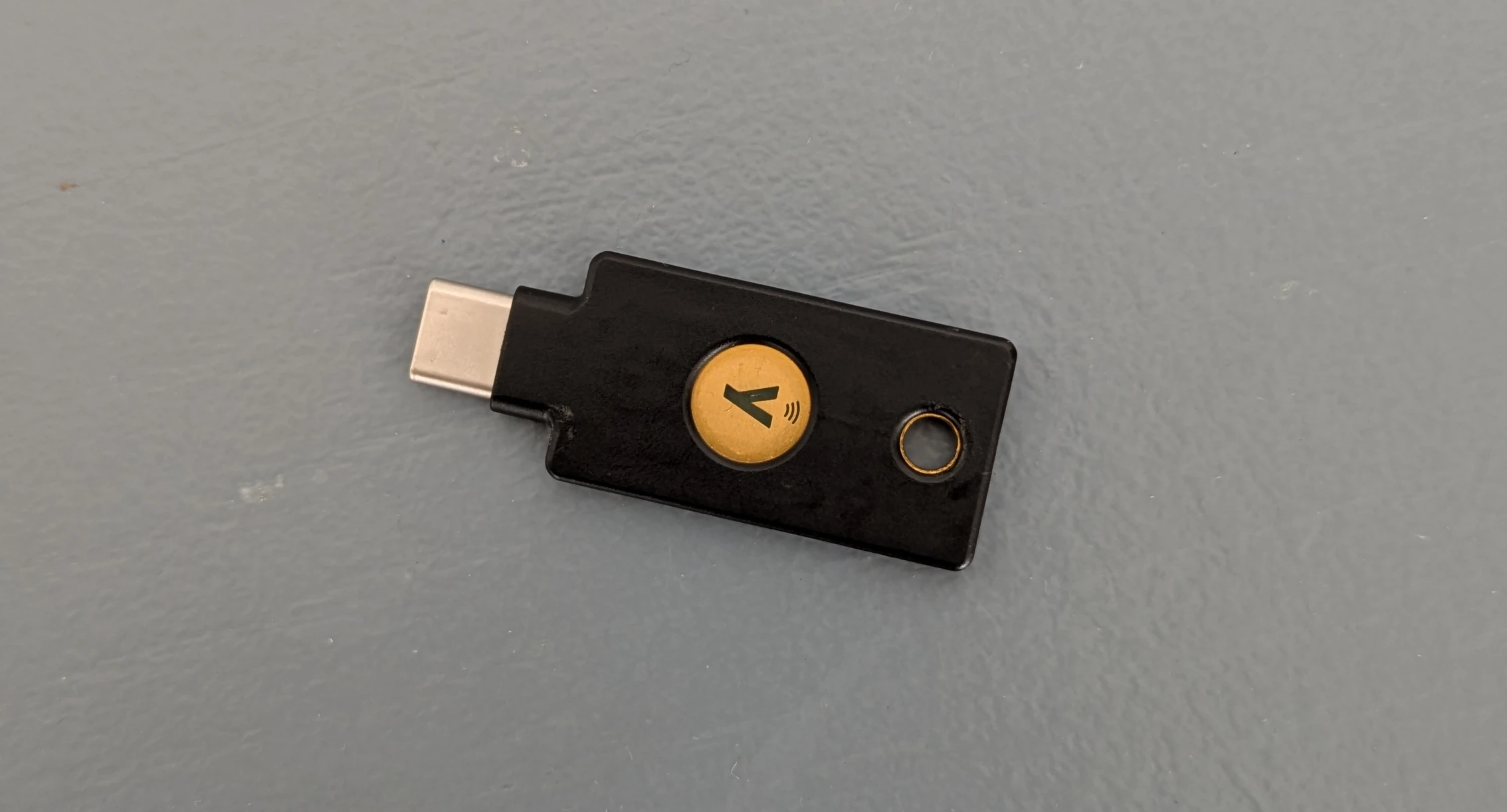
Passkeys are hardware security tokens that follow the FIDO2 / Webauthn standard. The come in the form of tiny USB-sticks with a button.